Support & FAQ
Find answers to common questions about Anchor. Can't find what you need? Contact us at support@silverbranchlabs.com
What is Anchor?
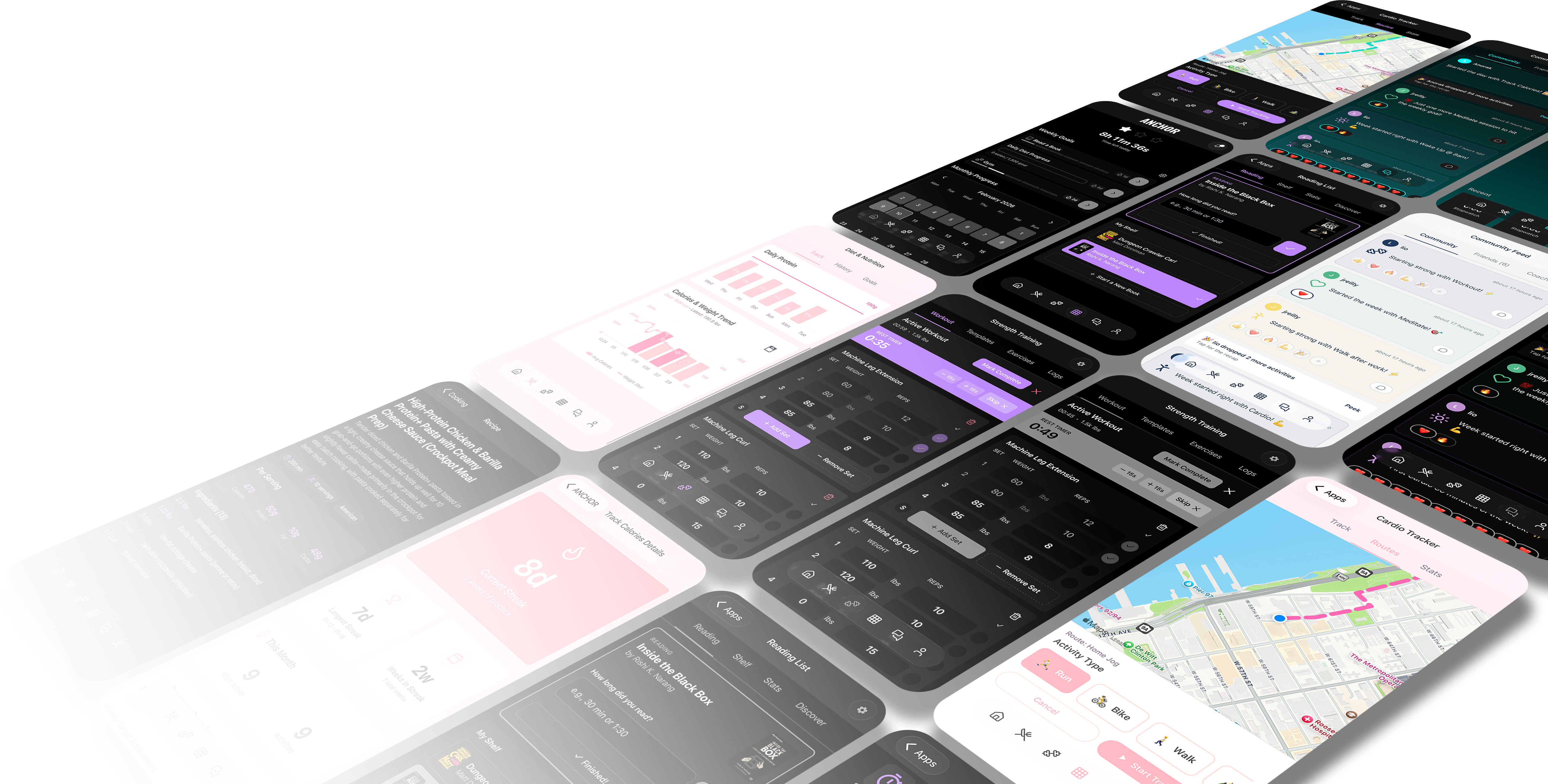
Anchor helps you build consistent weekly routines. Set your Anchors—core goals you commit to every week—and track them with specialized tools for strength training, cardio, nutrition, reading, and more. Build better habits, track what matters.
How do I create an account?
Download the app from the App Store or Google Play, then sign up using email and password, Apple Sign-In, or Google Sign-In. Phone authentication is also available.
What devices can I use Anchor on?
Anchor is available on iOS (iPhone and iPad) and Android. Your data syncs across devices when you sign in with the same account.
What are Anchors?
Anchors are your weekly goals—things you commit to doing each week, like going to the gym 3x, practicing language 7x, or meditating daily. Track completion with custom configurations, a GitHub-style contribution chart, and your RitualStreak—cumulative days across successful weeks.
How does the AI calorie tracker work?
Describe your meal in plain English (e.g., "2 eggs, toast with butter, orange juice") and our AI analyzes it to provide instant macro breakdowns (calories, protein, fat, carbs). You can review and adjust before logging. Powered by GPT-4 for accuracy.
What workout timers are available?
We support CrossFit-style timers: EMOM (every minute on the minute), AMRAP (as many rounds as possible), Tabata (work/rest intervals), and For Time (countdown). You can configure rounds, durations, and get audio/visual feedback.
Does Anchor track cardio?
Yes. The cardio module uses GPS to track runs, rides, and walks. Monitor distance, pace, elevation, and route history. Location is only used when the feature is active.
Does Anchor have a coach or community?
Yes. Get personalized guidance from an integrated coach that analyzes your goals and progress (powered by GPT-4). Connect with friends, share achievements, and stay motivated through the community feed.
What is Anchor Habits Pro?
Anchor Habits Pro is our premium subscription that unlocks advanced features like custom themes, analytics, and data export. You can upgrade from within the app.
How do I manage or cancel my subscription?
Open Anchor → Profile/Settings → Subscription (or Manage Subscription). From there you can view your plan, restore purchases, or manage billing. On iOS, subscription management is handled through your Apple ID settings; on Android, through Google Play.
How do I restore my purchase on a new device?
Sign in with the same account you used to purchase, then go to Settings → Subscription → Restore Purchases. Your Pro status will sync automatically.
How do I sync my account across devices?
Sign in with the same email/Apple/Google account on each device. Your data syncs automatically via Firebase. If you have a referral code to link with a friend, use the Sync Your Account flow when prompted in the app.
How do I delete my account?
To permanently delete your account and all associated data, visit our Delete Account page. Requests are processed within 30 days.
Can I delete specific data without deleting my account?
Yes. Visit our Delete Data page to request deletion of specific data (e.g., workout history, nutrition logs) while keeping your account active.
How do referral codes work?
When a friend invites you, you receive their referral code. Copy it from the invitation link, open Anchor, and paste it when prompted during sign-up or in Profile/Settings. This links your accounts through the Anchor Leader Program and may give you referral benefits.
Where do I paste my referral code?
Open the Anchor app. If you came from an invitation link, you may be prompted automatically. Otherwise, go to Profile or Settings and look for the option to enter a referral or sync code. Tap "Allow Paste" when pasting from your clipboard.
What data does Anchor collect?
We collect account information (email, display name), goal and activity data, workout and nutrition logs, and usage patterns. For GPS features, we collect location only when you use cardio tracking. See our Privacy Policy for full details.
Can I control push notifications?
Yes. Go to Profile → Settings → Notifications to enable or disable push notifications. You can also set quiet hours and control notification frequency.
For questions not covered here, or for account and technical support:
- Support: support@silverbranchlabs.com
- Privacy: privacy@silverbranchlabs.com
- Legal: legal@silverbranchlabs.com